Recovery
See recovery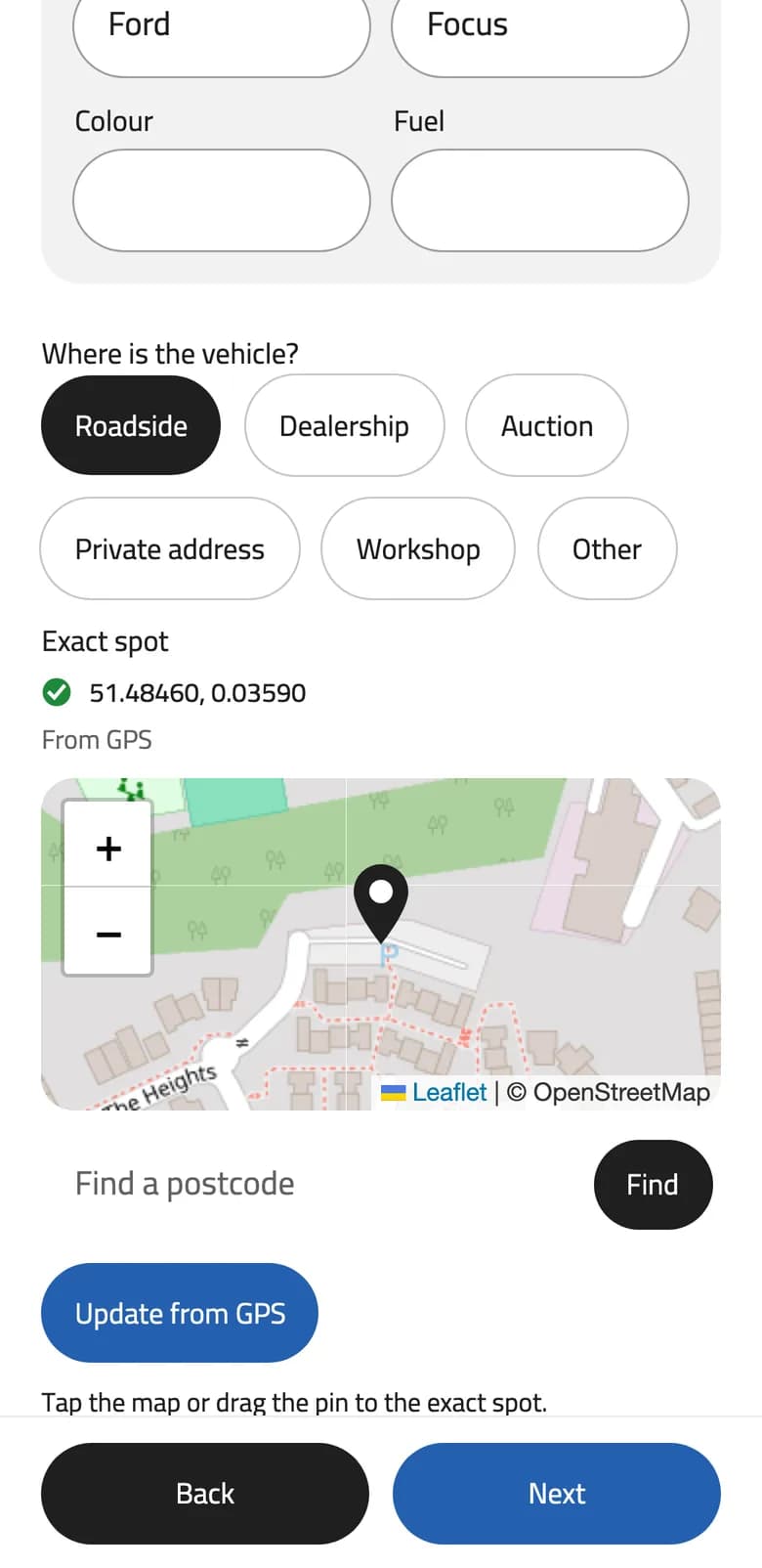
Collect with keys, whether it rolls and whether it starts and drives, and where it is. Deliver and check it against the pickup marks. Any driver in the business can do the drop-off.
When a customer says the damage wasn't there before, you have the photos, the time and their signature.
Walk-round photos starting at the number plate, damage marked on the car, the customer signs, and the job locks. Works with no signal. A PDF report goes to the office and the customer. For recovery firms, garages and hire firms.
£50 a month for the business. 14 days free, no card. No app store: it adds to your home screen.

1 of 6
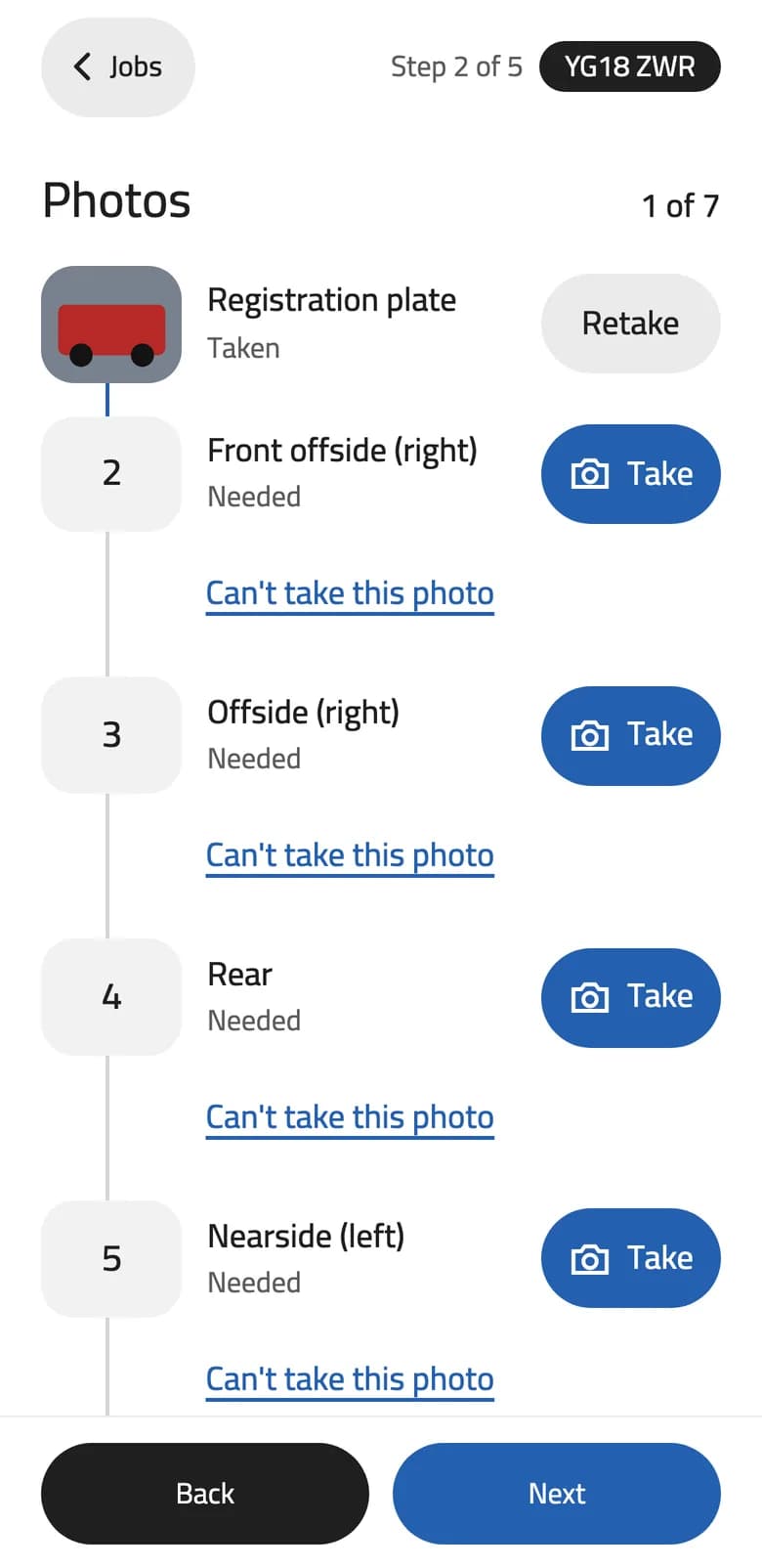
The first photo is the plate. After that the app takes you round the vehicle in order, so nobody runs front to back and back again.
2 of 6
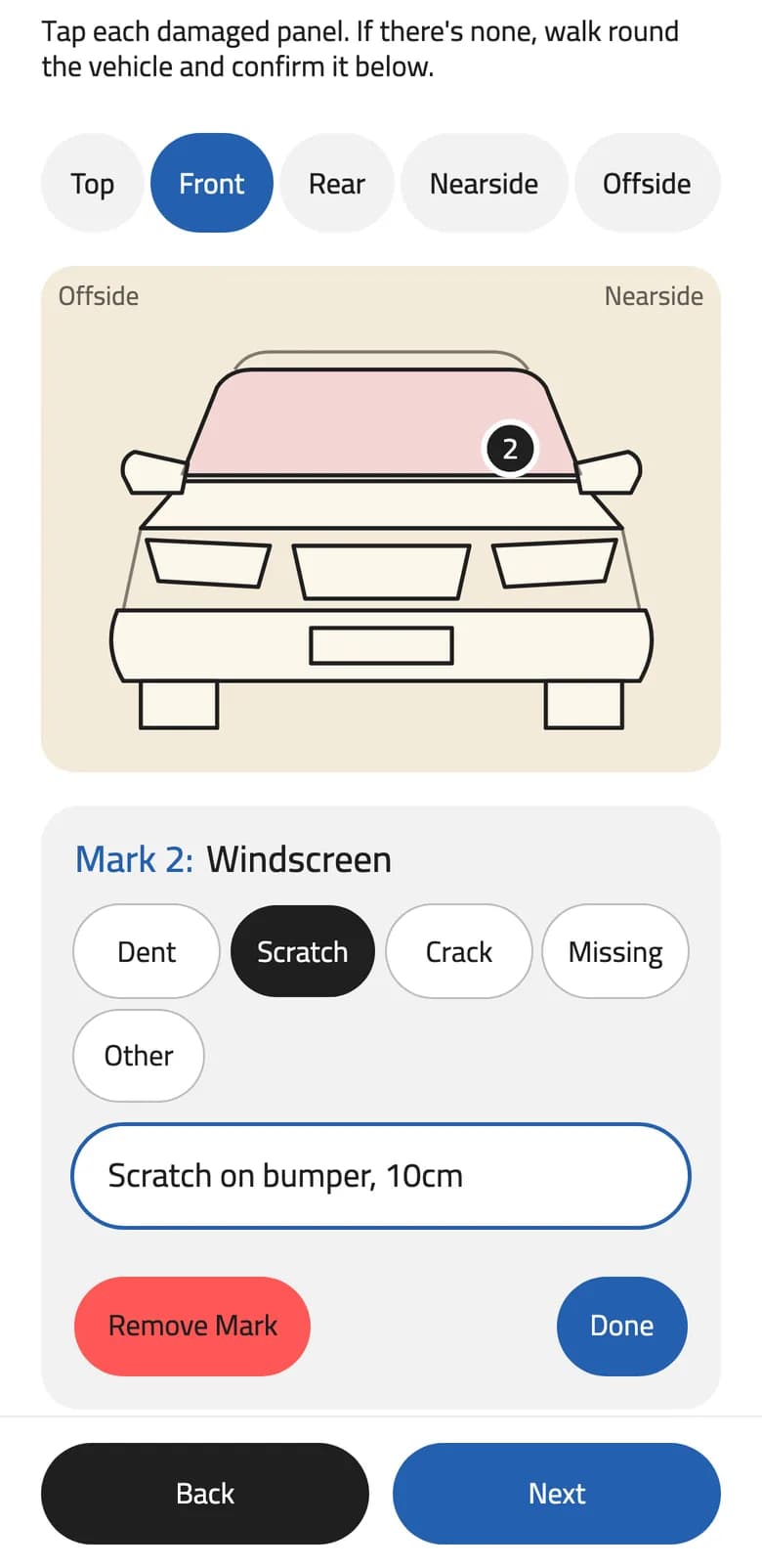
Tap the car on the diagram. There are five views. Each mark gets a photo and a note. Add up to three clips of under 60 seconds for what photos miss.
3 of 6
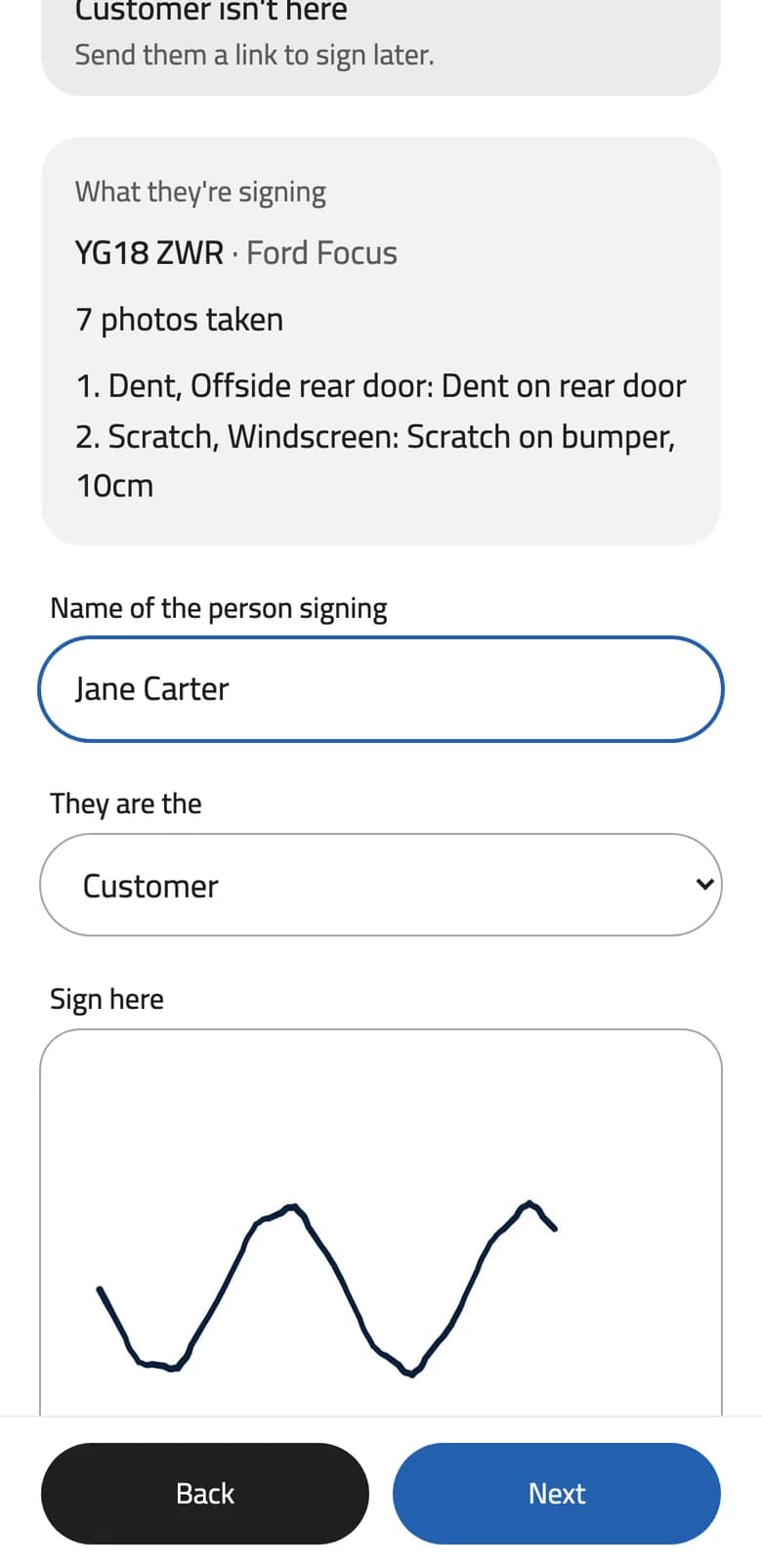
They sign on your phone. The driver never signs for the customer. If a recovery or garage customer isn't there, send a link by WhatsApp, text or email and they sign on their own phone. Hire-out is signed in person.
4 of 6
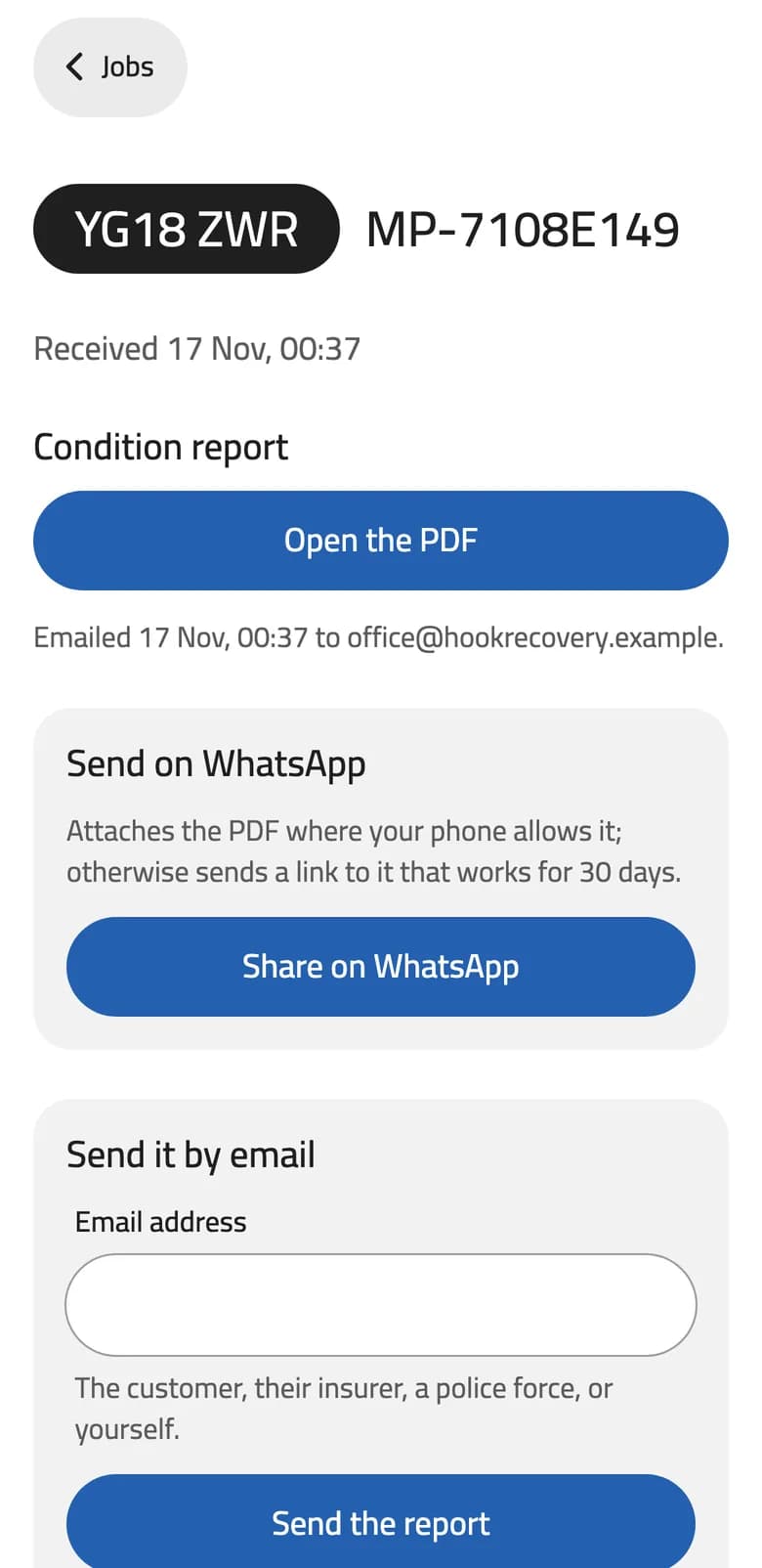
A finished job can't be edited. A correction goes on as a note, and every version of the report is kept.
5 of 6
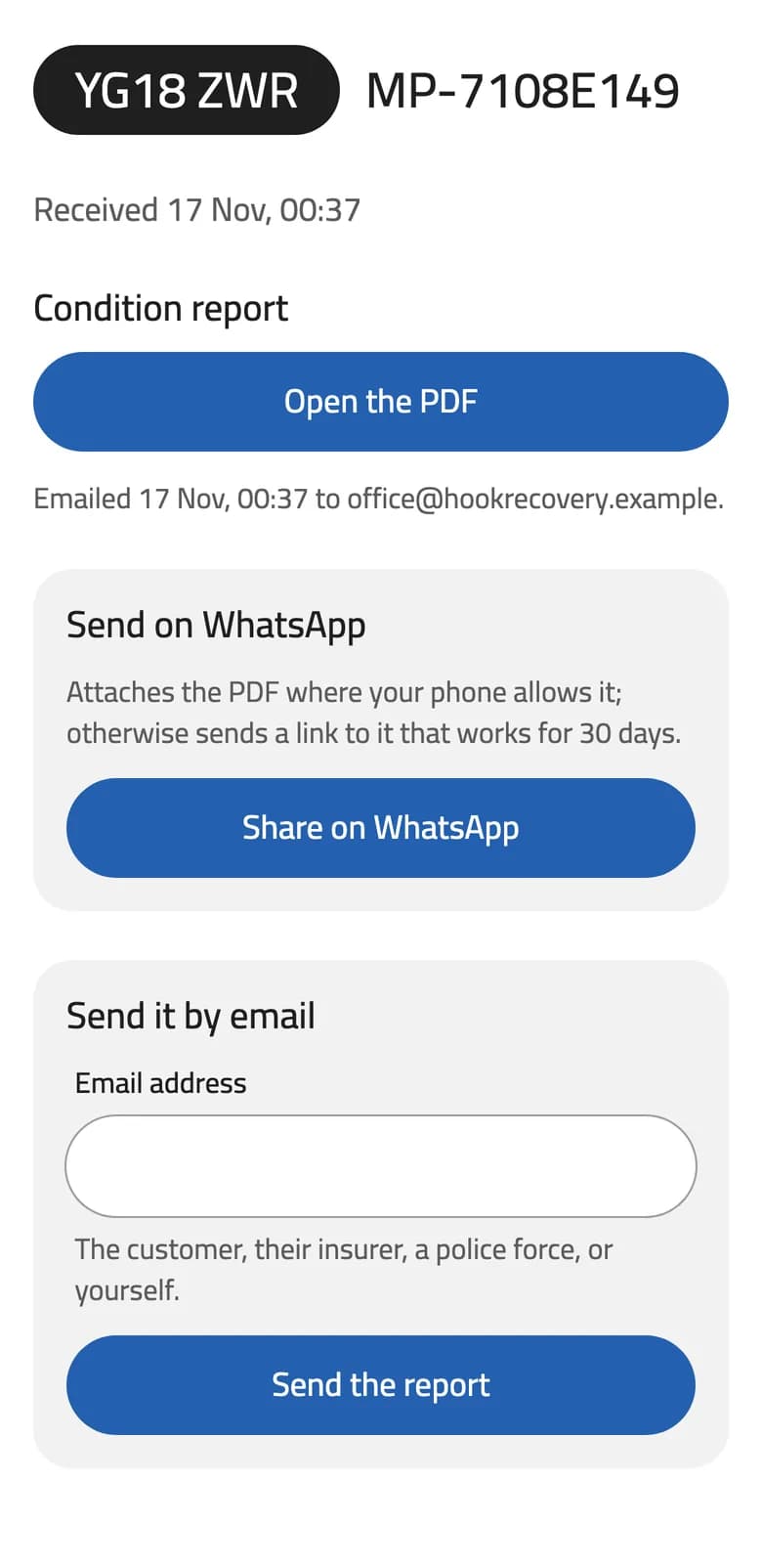
A PDF report with your logo goes to the office and the customer by email, or as a WhatsApp link.
6 of 6
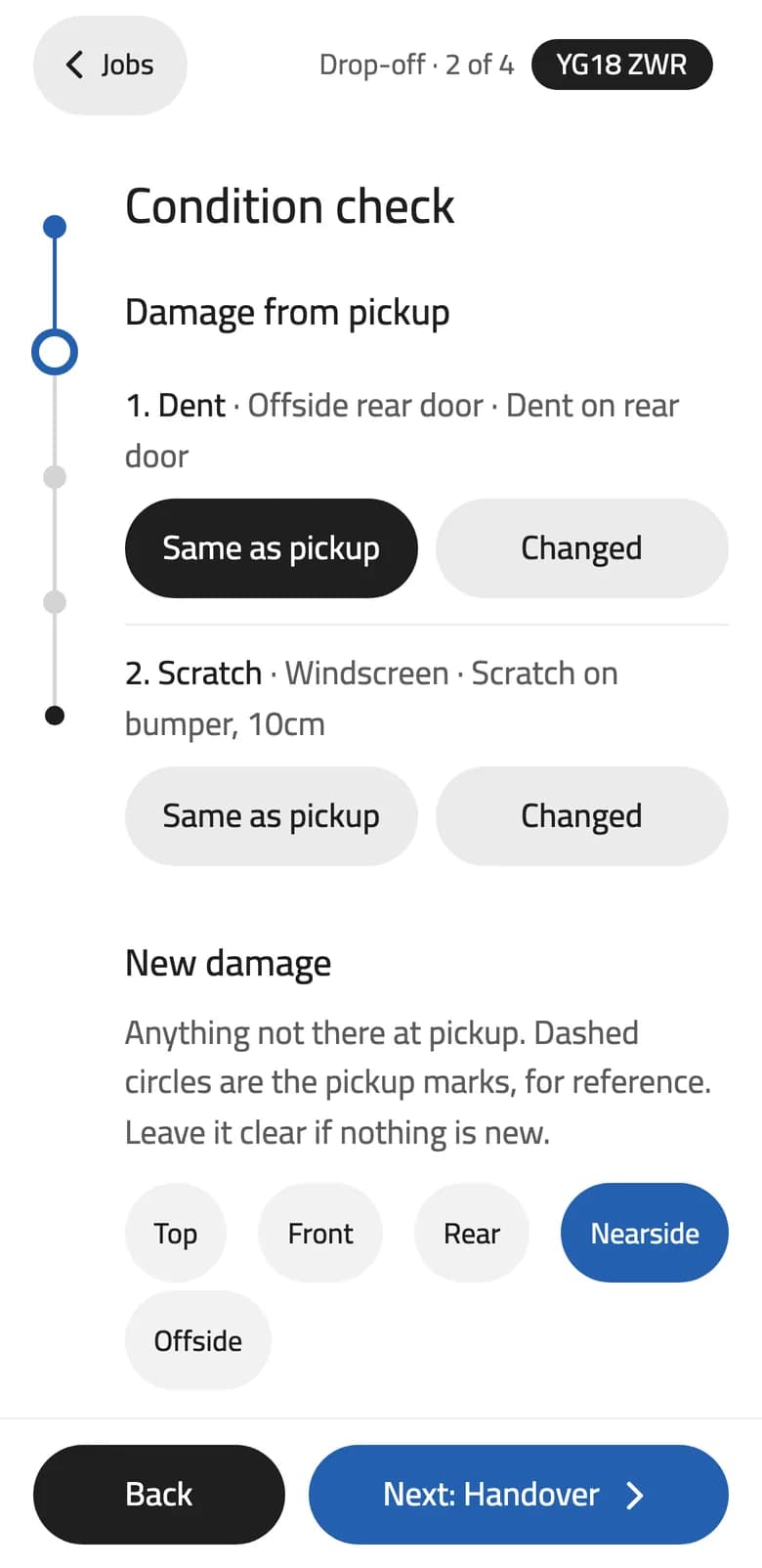
At drop-off, check-out or return, the app shows the marks from the first visit and asks for the same walk-round again, so new damage is easy to see.
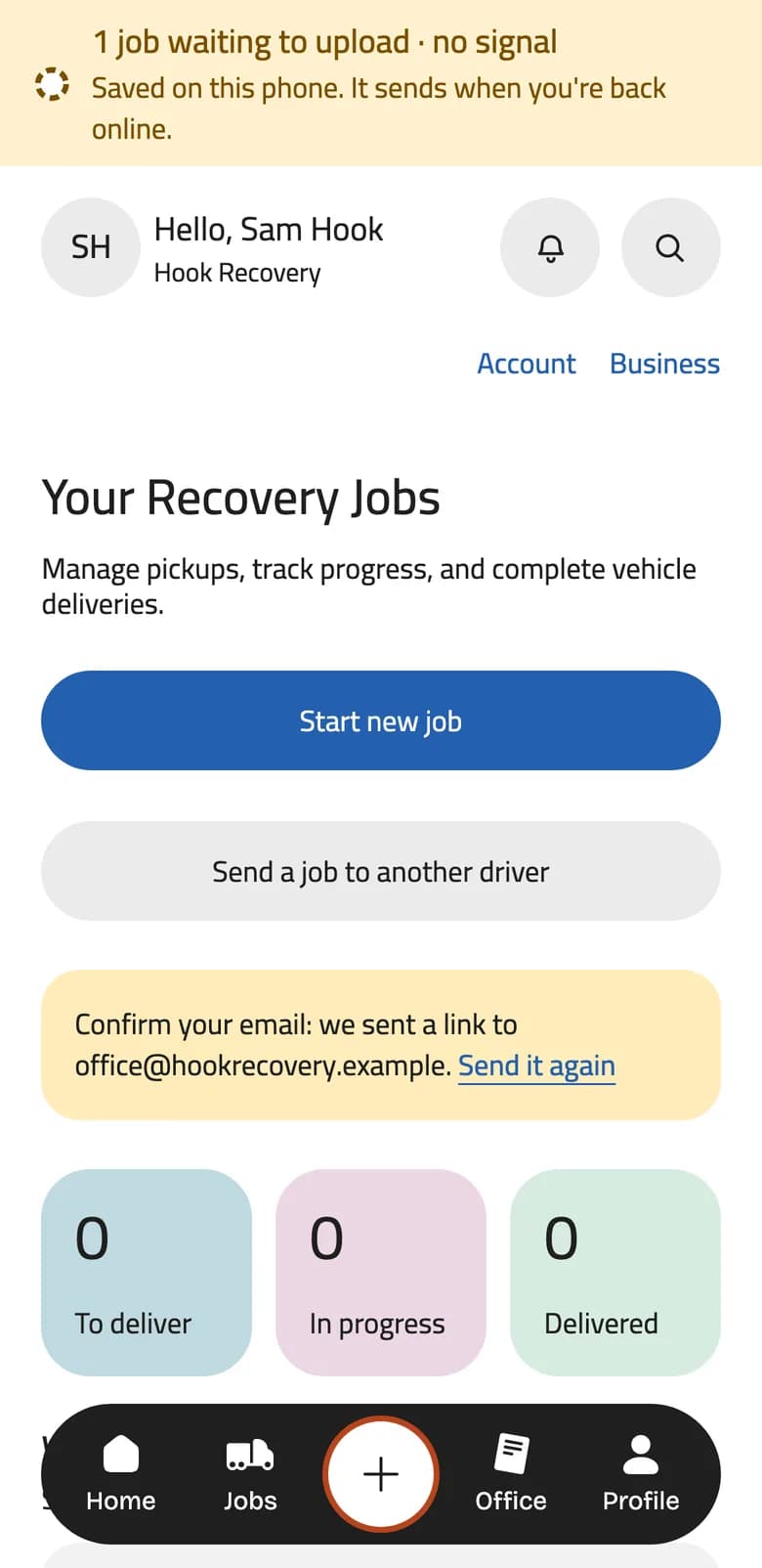
Roadsides, yards and cellars have no signal. The app saves the photos on the phone and sends them when there is signal again. A driver can turn on upload reminders: if a job still hasn't reached the office after two hours, the phone reminds them.
Collect with keys, whether it rolls and whether it starts and drives, and where it is. Deliver and check it against the pickup marks. Any driver in the business can do the drop-off.
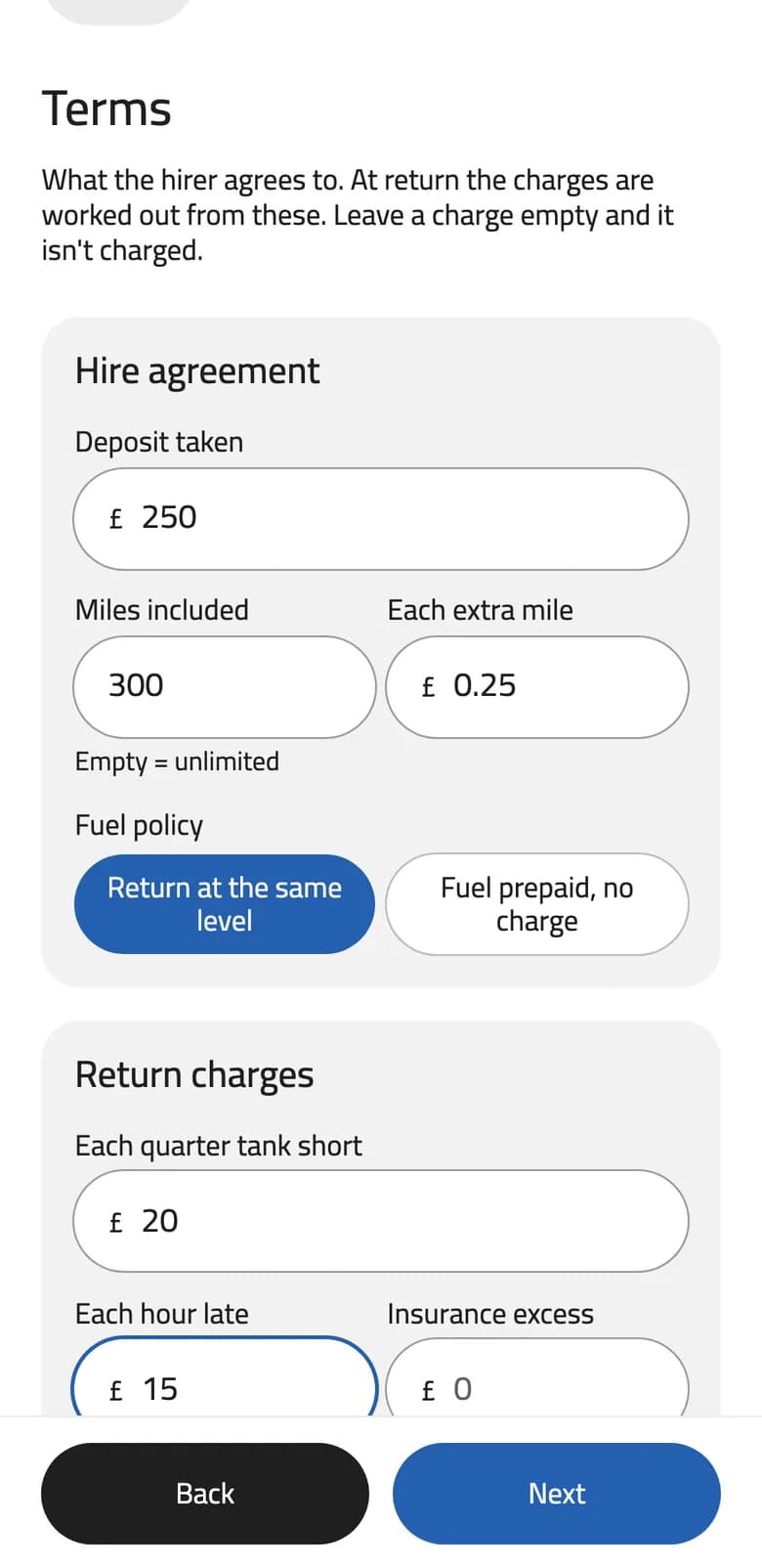
Hire out with the licence, mileage, fuel and your terms, signed by the hirer. On return, the app works out the charges and the deposit refund.
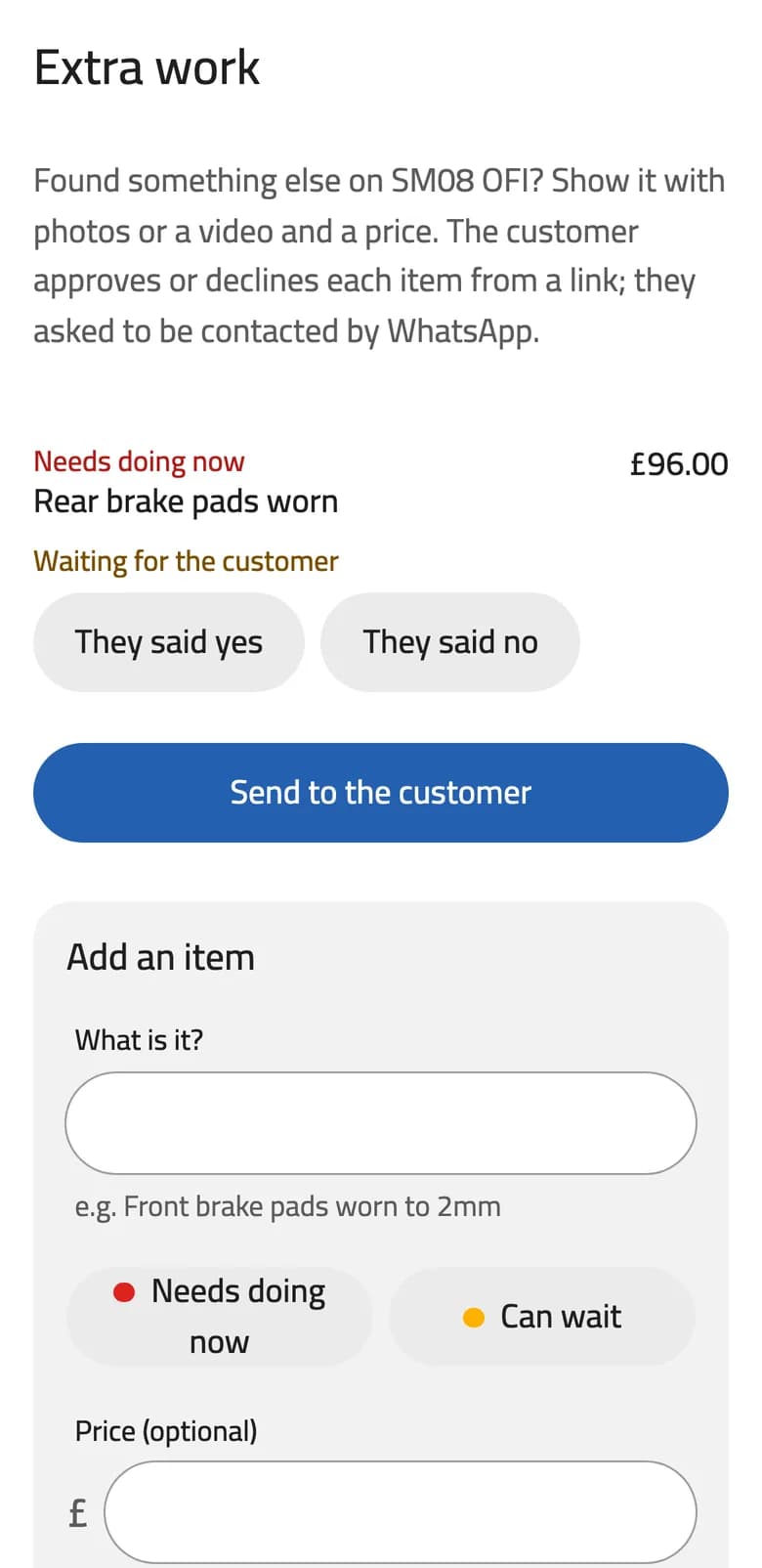
Check the car in at the desk. Send extra work found mid-job to the customer by link. Hand it back with the work done and the items returned.
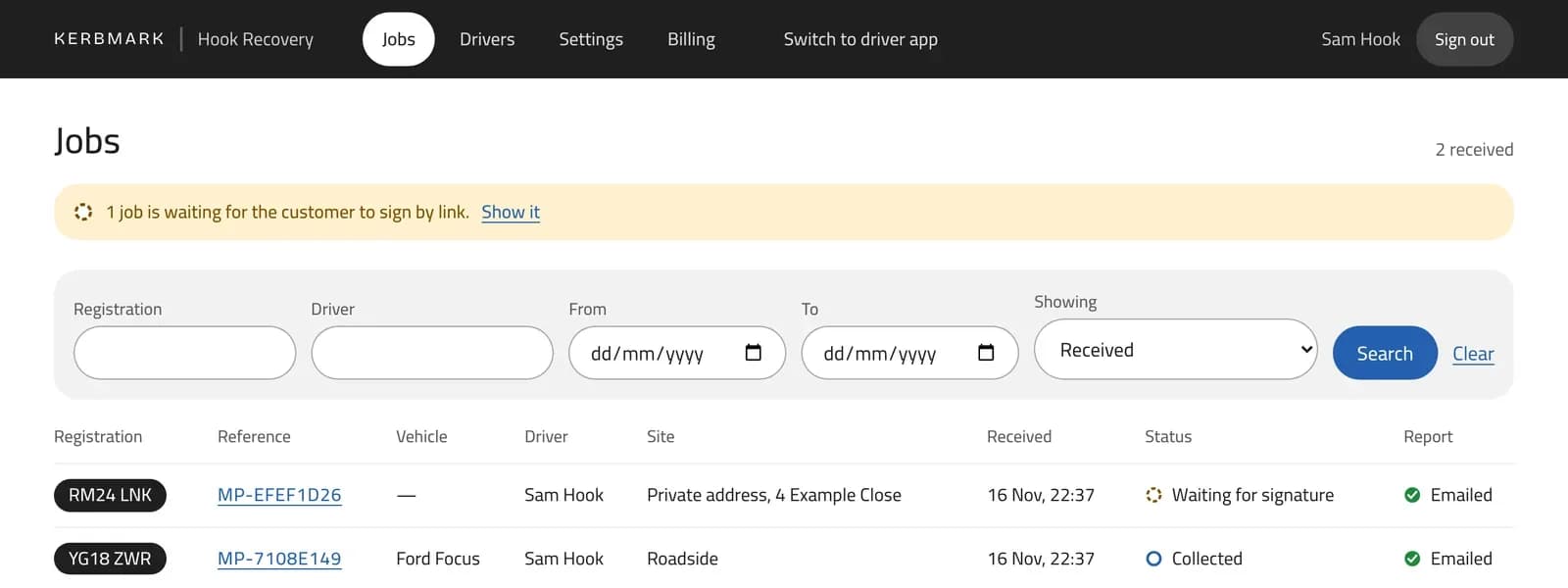
Find any job by registration, name or date. Filter the list. Download the PDF report or send it again. Add your staff, put your logo on the reports and choose how long jobs are kept.
Three things that make the record hard to argue with.
The phone makes a fingerprint (SHA-256) of every photo and clip when it is taken. Our server checks it on arrival.
The time a job was received is set by our server. The phone's own time is shown separately.
Corrections are added as notes and every version of the report is kept.
£50 a month for the business, owner included. £10 a month for each extra user. 14 days free and no card needed. No app store: you add it to your home screen from the browser.
The app shows you these steps when you open it.
The app shows you these steps when you open it.
Scan the code with your phone's camera, or start your account on this computer.
Phones can't add an app from inside WhatsApp, Facebook or Gmail. If this page opened there, open it in Safari (iPhone) or Chrome (Android) first.
