On an iPhone
SafariThe app shows you these steps when you open it.
- Tap Get the app in Safari.
- Tap Share, then Add to Home Screen, then Add.
- Open Kerbmark from your Home Screen and create your account.
When a hirer disputes a charge, you have the hire-out photos, the damage marks and the terms they signed.
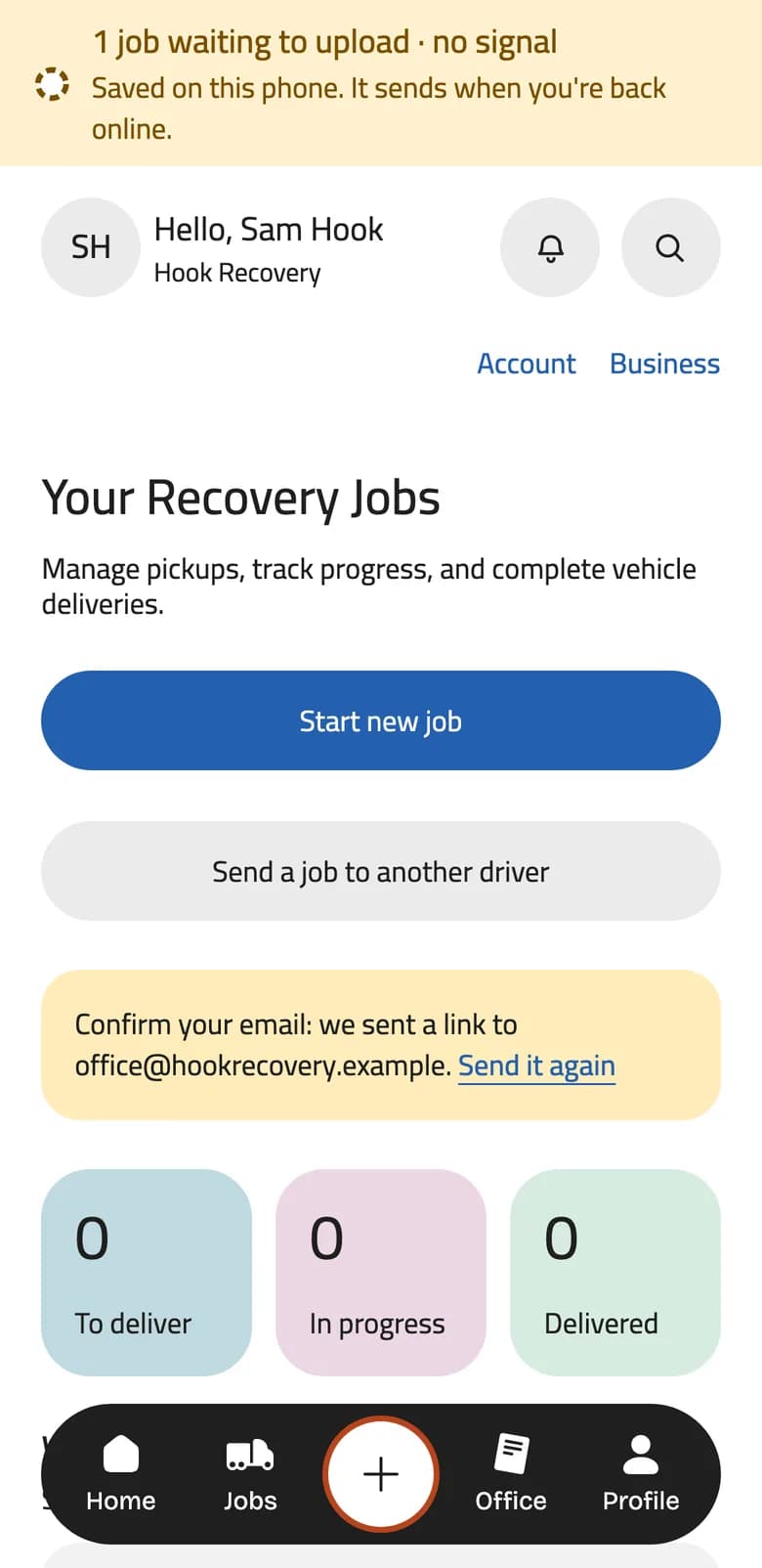
Record the vehicle when it goes out and when it comes back. The hirer signs your terms in person. On return the app works out the charges and the deposit refund from what they signed. It works with no signal: it saves on the phone if the signal drops and sends when it’s back.
£50 a month for the business, owner included. £10 for each extra user. 14 days free, no card.
1 of 4
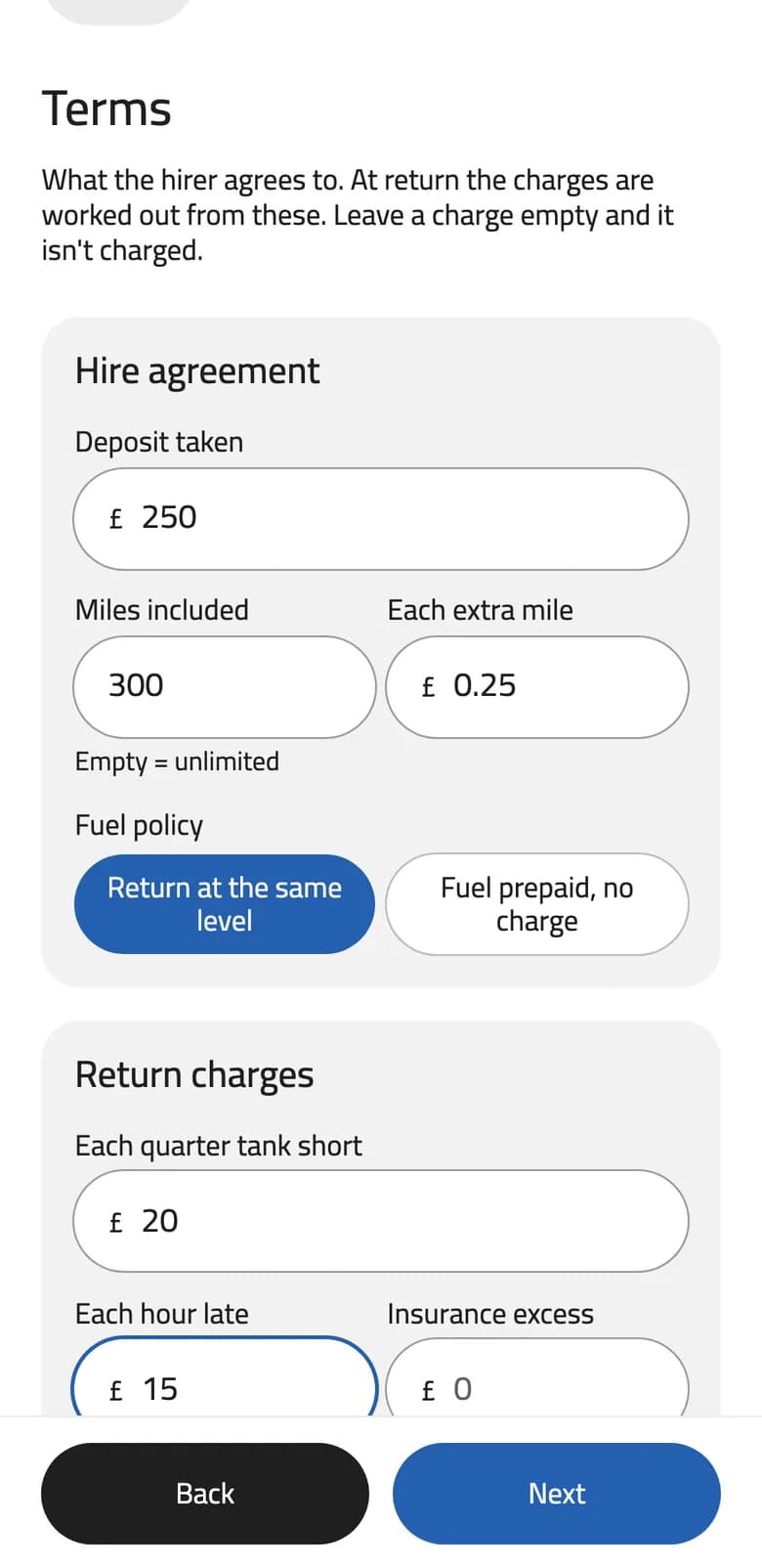
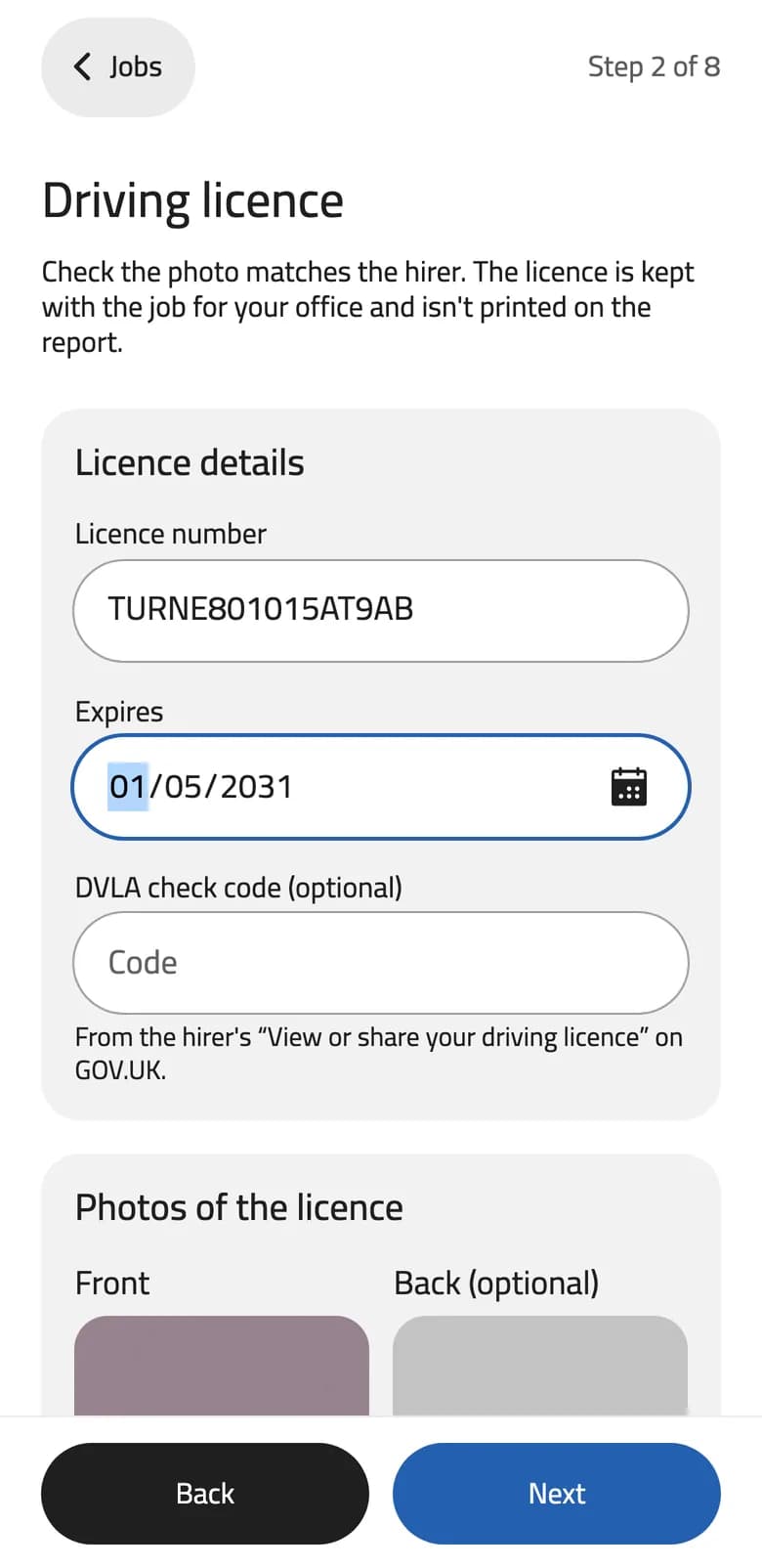
Photograph the driver's licence. The photos stay in the office and never go on the report. The report shows the licence number as the last four digits only. Record mileage and fuel. Set your terms: deposit, miles allowed, price per mile, fuel policy, the late charge after 30 minutes, the excess. These are the terms the hirer signs; a separate terms document of your own isn't attached. Then the walk-round photos from the plate, damage marks on five views, and the hirer's signature. Add up to three clips of under 60 seconds to a job, for what photos miss.
2 of 4
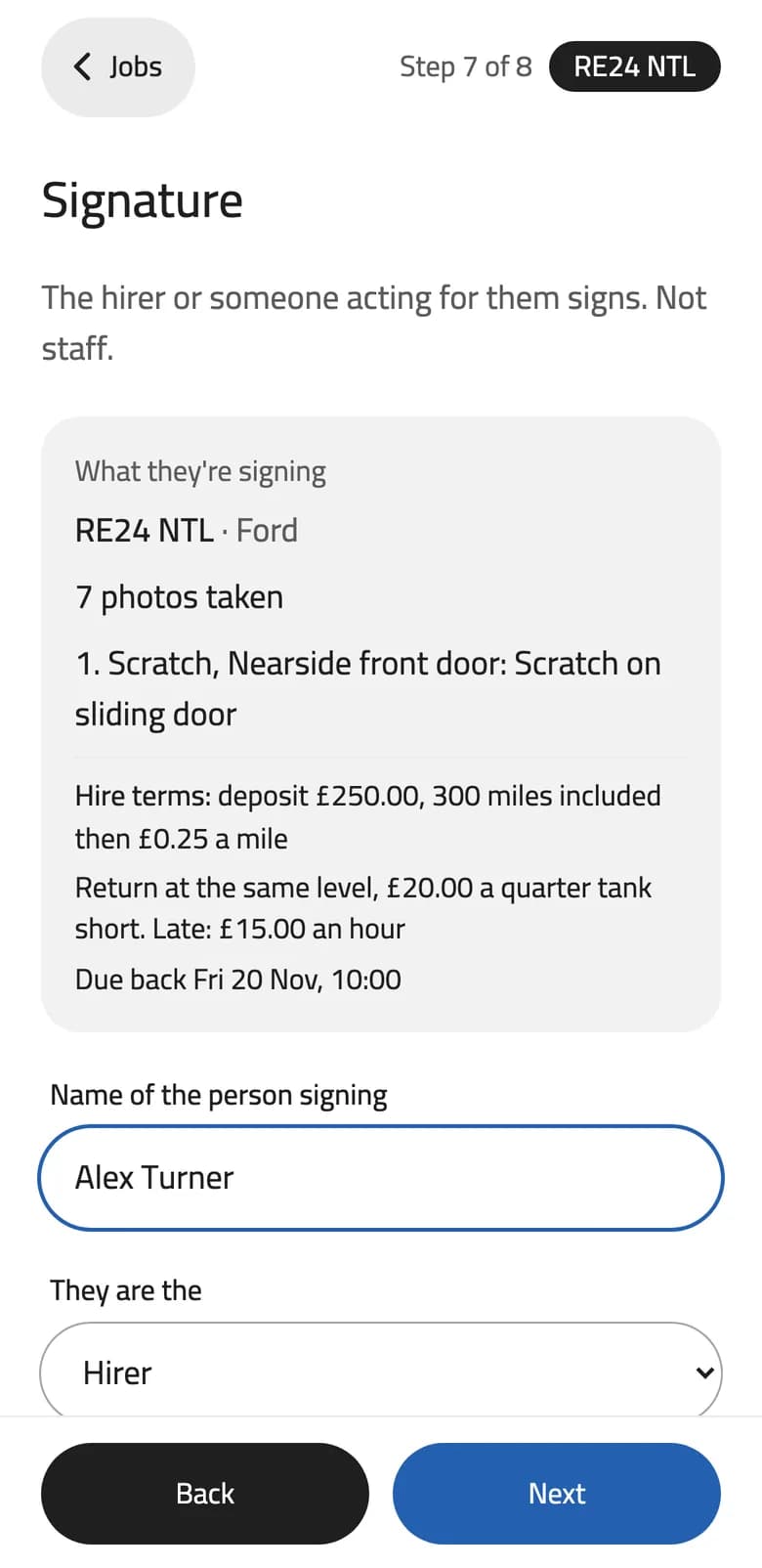
Rental jobs are signed on your phone, in front of you. There is no signing link for hire-out or return.
3 of 4
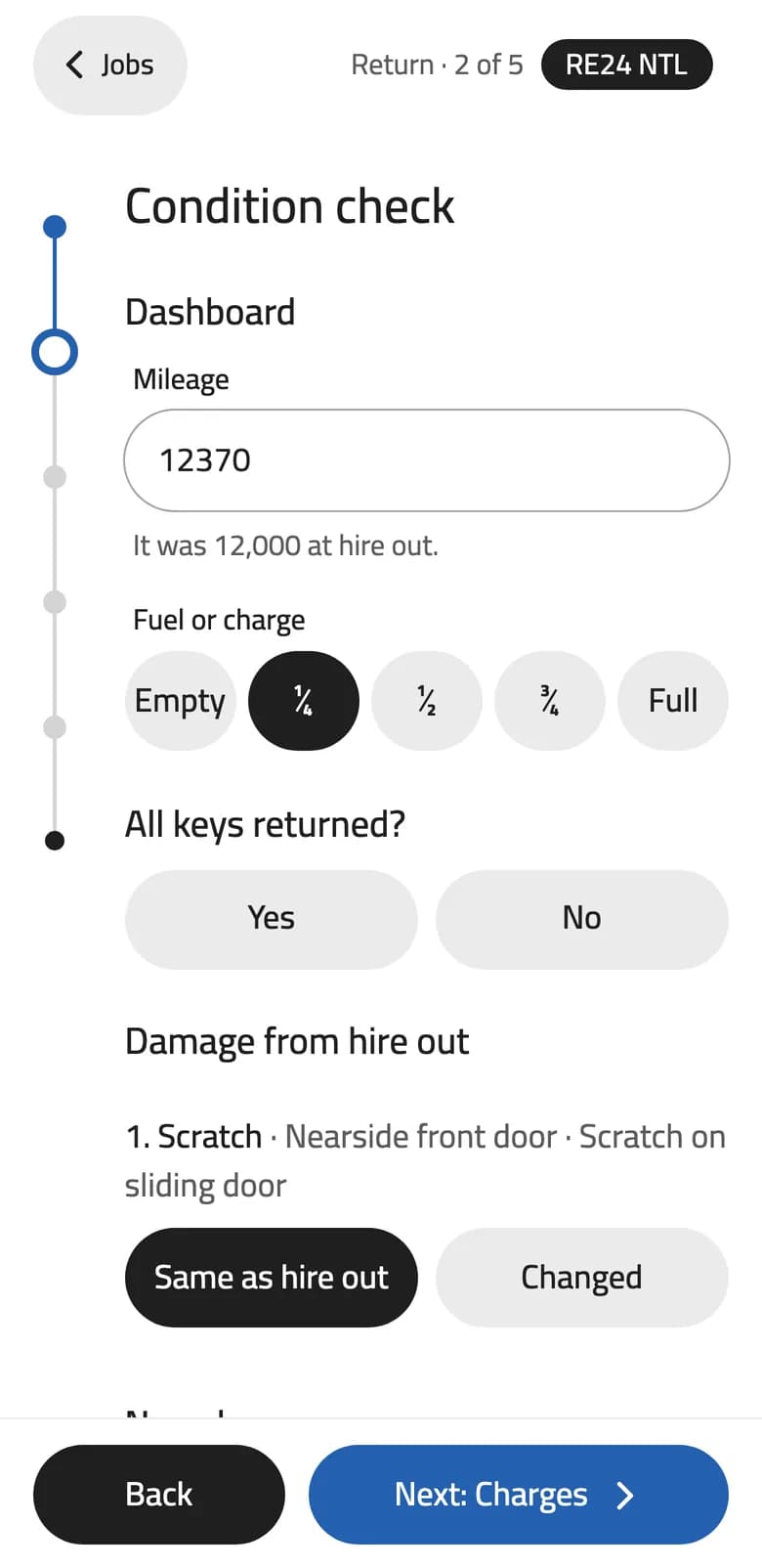
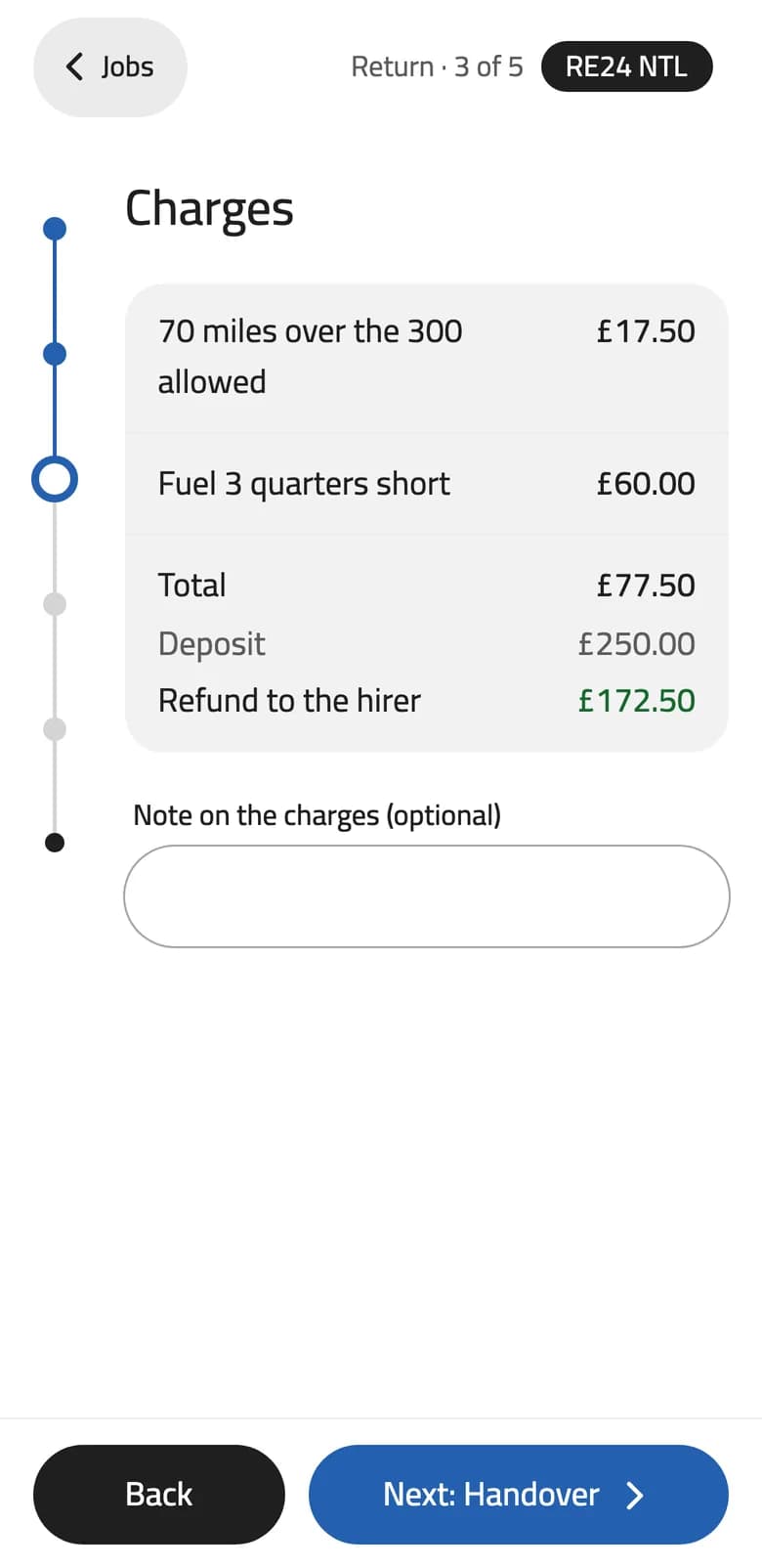
Record mileage and fuel. Walk round the vehicle again, with the hire-out marks shown on the car. Mark any new damage and put a price on it. Confirm the keys are back. The hirer signs.
4 of 4
The app works out extra miles, fuel, lateness and new damage from the terms the hirer signed, then shows what to keep from the deposit and what to refund. The sums are done by our server, so the figure on the report is the figure you quote.
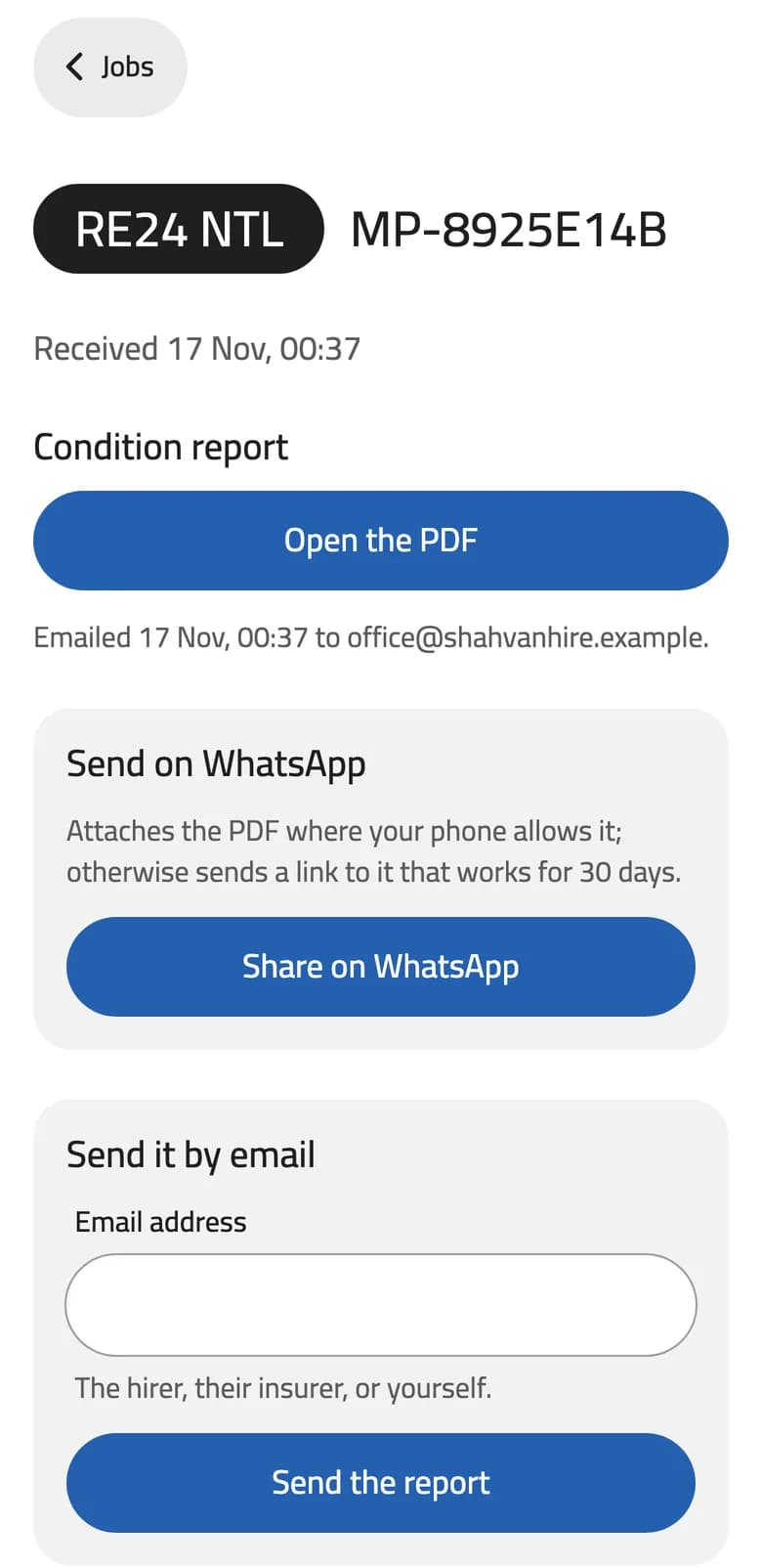
A PDF with your logo, the photos, the damage marks, the times and the signatures. Its title is “Hire Condition Report”. Send it by email or as a WhatsApp link.
The photos are saved on the phone and sent when there is signal again.
£50 a month for the business, owner included. £10 a month for each extra user. 14 days free and no card needed. No app store: you add it to your home screen from the browser.
The app shows you these steps when you open it.
The app shows you these steps when you open it.
Scan the code with your phone's camera, or start your account on this computer.
Phones can't add an app from inside WhatsApp, Facebook or Gmail. If this page opened there, open it in Safari (iPhone) or Chrome (Android) first.
